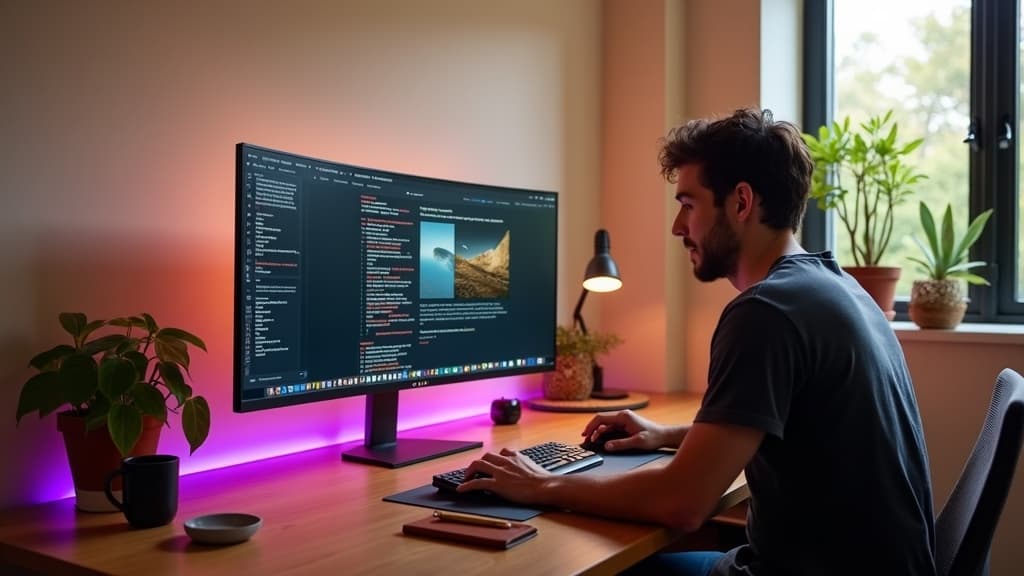
There's a $1598 Apple Studio Display and a $279 Dell 4K monitor sitting in the same product category, and most knowledge workers are quietly being sold the $1598 one. They don't need it.
This is the first WorkstationLab Saturday Edit, and rather than a list of monitors we love, here's an argument: most monitor roundups push you up the price ladder toward the editorial-shoot favorites. We're going to push you down it. The three picks below all share a structural feature. There's a "premium" version that costs two to five times more, and at the keyboard-and-mouse scale most of us actually work at, the cheaper monitor does the same job, often better.
The premium is mostly software polish and a logo. Here's where to keep your money.
What the Studio Display tax actually buys
If you spend a few hours reading panel-database reviews on TFT Central or RTINGS, a pattern emerges. The $1598 Apple Studio Display ships with a 27-inch 5K IPS panel at 218 ppi, 600 nits, P3 color, and a 60Hz refresh rate. The $649 Dell UltraSharp U2725QE ships with a 27-inch 4K IPS Black panel at 163 ppi, 450 nits, sRGB plus DCI-P3 coverage, and a 120Hz refresh rate. The Dell loses a little on resolution density and brightness. It wins on contrast (IPS Black ratios near 3000:1 vs IPS at 1000:1), refresh rate, and connectivity (the UltraSharp ships with USB-C 90W, RJ45, and a downstream USB-C hub built in).
The price gap doesn't disappear at the panel surface. It just stops mattering for most work.
So what is the Studio Display premium buying? Three things, mostly:
-
macOS-native polish. The webcam, speakers, and microphones all integrate with macOS at a level the Dell doesn't. If your job involves four Zoom calls a day and you don't already own a USB-C webcam and a desk mic, the Studio Display is a one-cable solution. If you have those things, you're paying for hardware you'll mute and turn off.
-
Aesthetics and brand polish. A Studio Display sitting on a designer's desk is a different visual object than a Dell with a model number on the bezel. The aluminum chassis, the symmetric back, the thin black border, and Apple's industrial design is genuinely better-looking. If your monitor is on camera in your meetings, that matters. If it isn't, you're looking at the screen, not the bezel.
-
The 5K resolution sharpness story. At 27 inches, 5K means roughly 218 ppi vs 4K's 163 ppi. macOS renders text at native scale on 5K displays without any fractional scaling artifacts. If you stare at small body text in code editors or design tools all day, this is a real ergonomic win. It's also the only spec-level reason to actually choose Studio Display over the Dell.
That third one is the only argument that holds. The first two are payment for things you may already have or may not need.
The $280 monitor that delivers most of the spec
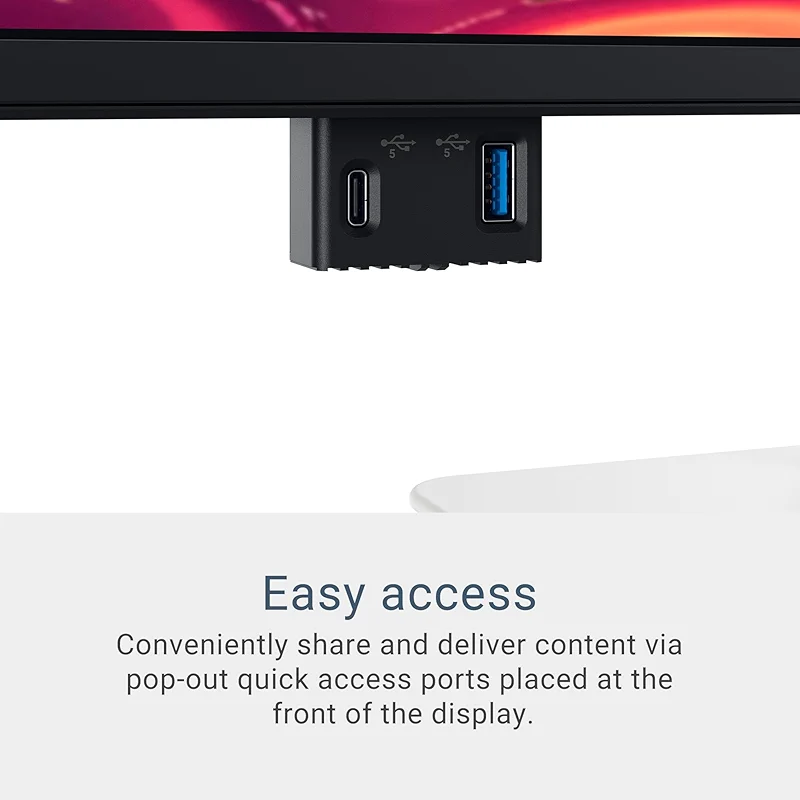
Dell 27 Plus 4K USB-C Monitor - S2725QC - 27-inch 4K (3840 x 2160) 120Hz
$299.99on Amazon
The Dell S2725QC is a 27-inch 4K USB-C monitor that lands the core display job for under $300. It runs at 120Hz refresh (smoother scrolling than the Studio Display's 60Hz), ships with a USB-C 90W input that powers a MacBook Pro single-cable, and includes height, tilt, swivel, and pivot adjustment in the included stand. The panel is IPS at 350 nits, which is bright enough for most office lighting and a little dim for a sun-facing window.
It is not a beautiful monitor. The S-series bezel is matte plastic, the back is utilitarian, and the model number sits visible at the bottom edge. That is the entire visual cost of saving roughly $1320.
For knowledge workers who care about resolution, refresh rate, and one-cable laptop connection, that is the only spec the Studio Display also delivers reliably, and it costs five and a half times more.
The $349 monitor for design and photo work
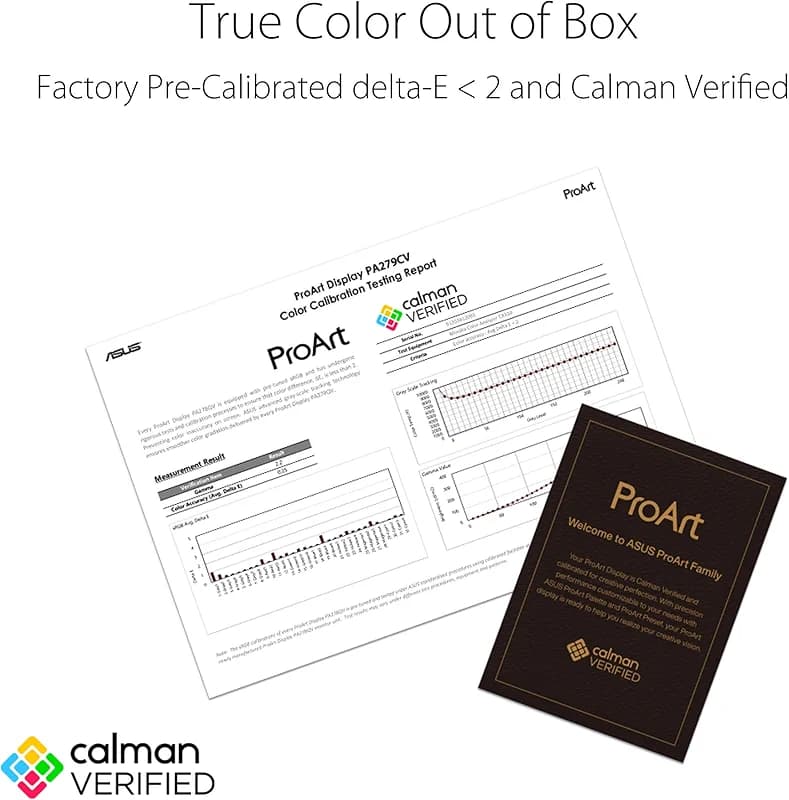
ASUS ProArt Display PA279CV 27” 4K HDR UHD (3840 x 2160) Monitor
$399.00on Amazon
The ASUS ProArt Display PA279CV is the answer when the real concern is color accuracy, not pixel density. It ships with 100% sRGB and 100% Rec. 709 coverage out of the box, factory-calibrated to ΔE under 2 (the perceptual threshold below which color differences are invisible to most viewers). For designers who deliver web work, Instagram-grade photo, or video that lives in sRGB, those numbers are the actual job, and they match or beat the Studio Display's P3 coverage for non-print workflows.
The PA279CV runs at 4K UHD on a 27-inch IPS panel, includes a USB-C input with 65W power delivery (enough for most laptops, light for the M-series MacBook Pros), and ships with the calibration report in the box. ASUS has been making the ProArt line since 2008, and the PA-series display drivers are documented enough that color-managed workflows in Affinity, Lightroom, and Figma work without any per-app calibration tinkering.
For designers who currently use a Studio Display for color work, the PA279CV does that job more honestly (factory calibration with a real report, not a target) for less than a quarter of the price.
The $649 productivity monitor
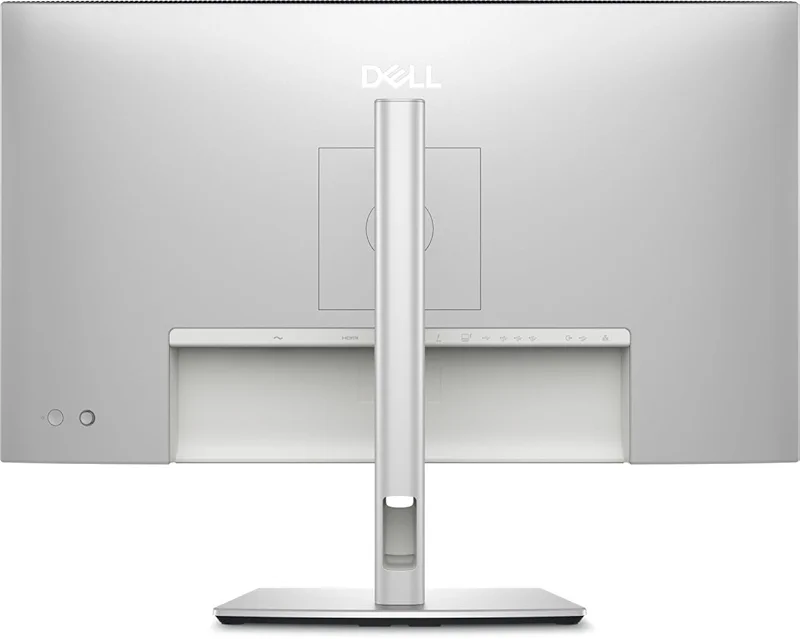
Dell UltraSharp U2725QE 27 Inch 4K UHD IPS Black Monitor with 120Hz and
$643.37on Amazon
The Dell UltraSharp U2725QE is where the price ladder is worth climbing, and it tops out at $649. It uses a 27-inch IPS Black panel, which is the same display tech LG and Dell developed to compete with OLED on contrast without the burn-in risk. IPS Black hits 3000:1 contrast vs the standard IPS rating of 1000:1, and the difference is visible immediately when you put a code editor with a dark theme on it next to a regular IPS monitor. Blacks are actually black, not dark gray.
The U2725QE also runs at 120Hz, ships with USB-C 90W, includes RJ45 and a four-port downstream USB hub, and ships with Dell's three-year advance-exchange warranty. The UltraSharp line has been Dell's productivity flagship since 2003, and the panels are documented enough that the long-term reviewer pattern is consistent: low pixel-defect rates, accurate color out of the box, and the build holds up to a decade of daily use.
For knowledge workers who spend eight hours a day reading and writing on a single screen, the IPS Black contrast is the spec that pays back. It reduces eye strain in text-heavy work the way the Studio Display's 5K resolution does, but it costs less than half as much and doesn't require an Apple-tax stand.
The pattern
These three aren't an accident. The pattern shows up across most monitor categories. There's almost always a sub-$700 option that delivers the actual display job (resolution, refresh, contrast, color accuracy) better than the $1500-plus option, with the gap eaten by brand polish, OS integration with hardware you already own, or visual design that matters more on camera than at the keyboard.
The places where premium monitor pricing does buy better work are real but narrow:
- 5K and 6K displays at 27 to 32 inches for engineers and designers who read small text 8 hours a day (the Studio Display and Apple Pro Display XDR earn this on density alone)
- Reference monitors for color grading work that ships to broadcast or cinema (BVM-HX310 territory, $30,000-plus, a different conversation)
- OLED panels for HDR video editing where peak brightness and per-pixel contrast actually change the deliverable (LG UltraFine and the new ASUS ProArt OLED line)
- Ultrawide curved displays for trading desks and code editors where the bezel-free middle is worth more than the resolution density
For everyone else, the $279 to $649 band is where the spec actually lives, and the markup above it pays for things you can buy separately or don't need at all.
What this saves you
The numbers from above. The Studio Display lists at $1598 with a tilt-only stand. Add the height-adjustable stand and the price moves to $1998. Pick any of the three monitors above and pair it with a $169 Ergotron LX monitor arm (which adjusts in three more axes than Apple's $400 stand), and the system tops out at $818 for the productivity-grade U2725QE rig, $518 for the color-grade ProArt rig, and $448 for the value 4K rig.
That is between $1180 and $1550 not spent on a panel and a stand. Spend it on a better chair. Spend it on a real desk. Spend it on a USB-C dock that your existing monitor can use. Spend it on nothing.
Just don't spend it on the logo.