There's a $30 monitor stand and a $200 monitor arm sitting in the same product category, and most workstation roundups quietly push the $200 one. They don't need it.
This Saturday Edit is an argument about the system, not the part. The default assumption is that any serious desk needs an articulating monitor arm. For the single-monitor user who keeps a keyboard, mouse, and notebook on the same surface, the basic stand is the choice that actually improves the workstation without the arm's hidden costs.
The premium is mostly marketing around flexibility that most desks never use. Here's where to keep your money.
What the monitor arm tax actually buys
If you read the long-term reviews across both categories, a pattern appears. The Amazon Basics stand raises the monitor to eye level, manages cables, and frees a few inches of desk depth. The Ergotron LX arms add 25 inches of horizontal reach, 13 inches of height adjustment, and full tilt-rotate freedom. Both solve the core ergonomic problem of getting the screen at the right height and distance.
The price gap does not disappear at the desk surface. It just stops mattering for the single-monitor case.
So what is the arm premium buying? Three things, mostly:
-
Future-proofing for multi-monitor setups. An arm makes it trivial to add a second screen later. If you know you will stay at one monitor, that future flexibility is inventory you pay for but never use.
-
Desk-surface real estate. Arms fold the monitor back against the wall or allow it to hover over the desk. For users who need the full depth for writing or large keyboards, this matters. For everyone else, the stand's small footprint is enough.
-
Aesthetic minimalism. The arm disappears behind the monitor. The stand sits under it and is visible. If your desk is a showpiece, the arm wins. If your desk is a tool, the stand is the honest choice.
If none of those three things apply to your work, you are paying for range you will not use.
The $30 stand that raises the screen without the arm's tradeoffs
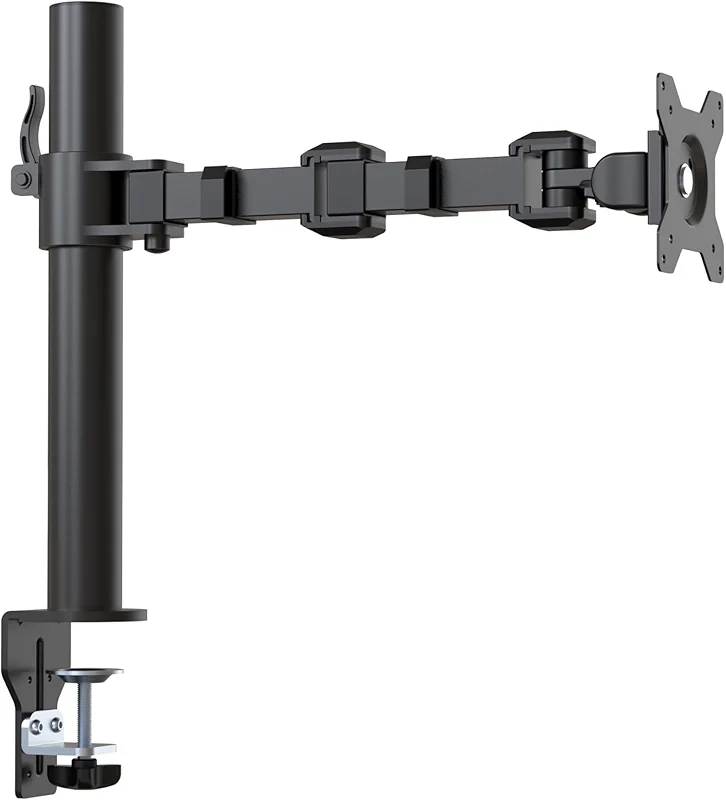
Amazon Basics Single Computer Monitor Stand with Cable Management
$24.14on Amazon
The Amazon Basics stand is a simple two-piece steel riser with cable channels. It supports monitors up to 24 inches and 30 pounds. It adds roughly 4 inches of height and routes cables behind the column so they do not drape across the desk.
It is not adjustable after installation. The height is fixed once you place it. That is the entire ergonomic cost of saving $170.
For the typical programmer or writer who sits at one screen for eight hours, the fixed height is the correct height. The stand does the job the arm does for the single-monitor case and leaves the desk surface usable for notebooks and peripherals.
The Ergotron LX that earns its price only when you need the reach
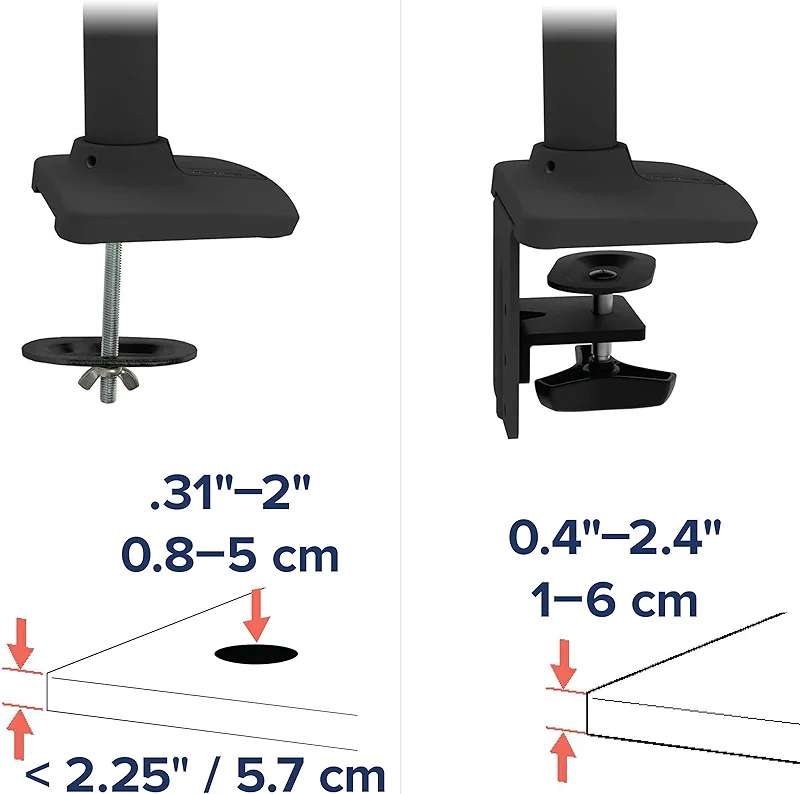
The Ergotron LX Monitor Arm extends 25 inches horizontally and lifts 13 inches. It supports screens up to 34 inches and includes integrated cable management. The build quality is the reason Ergotron still holds the warranty standard in this category.
It is overkill for a single 27-inch monitor that never moves. The extra range is real, but most single-monitor users never articulate the arm after the first week.
If your work involves frequent screen sharing with a second person, or you expect to add a second monitor within a year, the LX is the part that scales. For the desk that stays single-monitor, it is inventory that gathers dust.
The older Ergotron LX that still beats most cheap arms
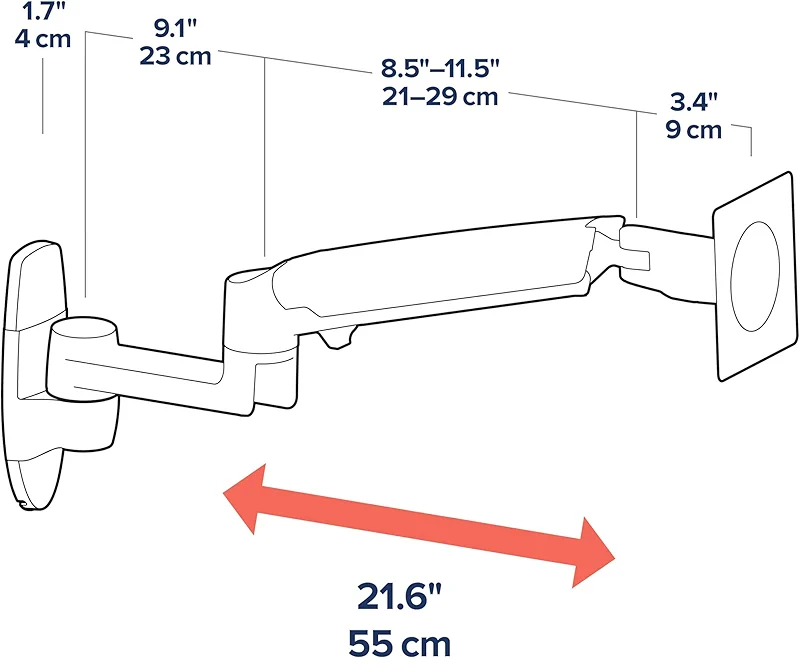
The B00358RFJ8 is the prior-generation LX arm. It has slightly less extension than the current model but the same core motion range and the same 10-year warranty. Long-term owners report that the gas spring still holds after five years of daily adjustment.
It is the version that appears in older workstation photos because it simply works. The current LX is better on paper. The older one is the one that proves the category's durability claim.
The pattern
These three are not an accident. The pattern shows up across workstation support gear. There is almost always a sub-$50 option that solves the same ergonomic problem as the $200 option, with the gap eaten by future-proofing claims and aesthetic minimalism that do not change the actual work.
The places where a monitor arm does buy better ergonomics are narrow:
- Desks under 24 inches deep where the monitor must hover to leave writing space
- Users who switch between sitting and standing multiple times per day
- Setups that already include two or more monitors
For the single-monitor desk that most knowledge workers actually own, the stand is the system that keeps the surface usable and the budget intact.
Recommendation
If your desk is a single monitor and you do not plan to add a second screen, buy the Amazon Basics stand. It solves the height and cable problem without the arm's range you will not use. The money stays in your pocket for the monitor itself or the chair that actually matters for eight-hour days.
If you already know the second monitor is coming, or your desk depth forces the screen to float, the Ergotron LX is the arm that still sets the standard. The choice is not between good and bad. It is between the part that matches the work you actually do and the part that matches the work you might do someday.